0 €0.00
products in your basketto quote Checkout
Ooops no items were found.
Try something else.
Ok
Loading…

How to Select the Best Printer for Your Office

5

How to Select the Best Printer for Your Office

Choosing an office printer isn’t as simple as picking the lowest price or the most popular model. With so many options available, it’s important to focus on what your workplace actually needs. Factors such as print volume, functionality, running costs, and environmental impact all play a role in finding a printer that works efficiently for your business and your budget.

Start with How Often You Print

Before looking at features or brands, consider how frequently your office prints documents. Light or occasional printing requires a very different machine compared to a busy workplace producing hundreds or thousands of pages each month. Printers are designed with specific workload limits, and choosing one that matches your usage helps avoid breakdowns and unnecessary spending.

Decide Between Ink-Based or Toner-Based Printing

Another key consideration is the type of printer technology. Ink-based printers are typically more affordable upfront and suit offices with lower print demands. However, replacement ink can be expensive over time.

Toner-based printers usually cost more initially but are designed for efficiency and high-volume printing. If your office relies heavily on printed documents, this option often proves more cost-effective in the long run.

Consider Whether Colour Is Essential

Not every workplace needs colour printing. If your documents are primarily text-based, a black-and-white printer will do the job while keeping costs down. Colour printers are best suited for offices that produce marketing materials, charts, or visual presentations, where image quality and colour accuracy matter.

Look at Output Speed

In busy environments, waiting for documents to print can slow down productivity. Checking how many pages a printer can produce per minute gives a good indication of how well it will perform during peak times. Faster machines are particularly useful where multiple users rely on the printer throughout the day.

Choose the Right Features for Your Workspace

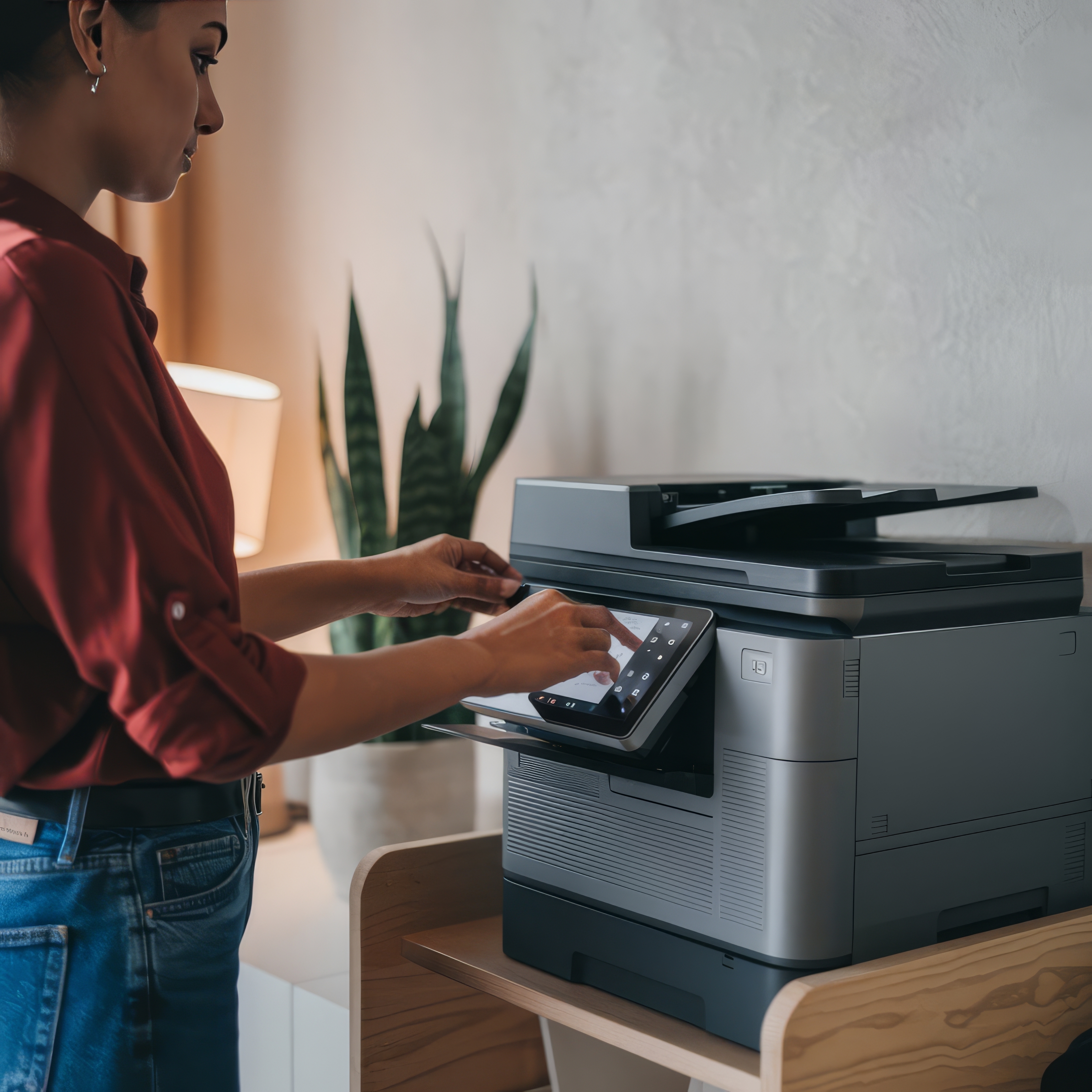
Some offices benefit from an all-in-one printer that handles scanning, copying, and faxing in addition to printing. These devices can reduce clutter and streamline workflows. However, if your office rarely uses these extra functions, a dedicated printer may be the more practical and economical choice, with digital tools covering occasional needs.

Think About Energy Efficiency and Sustainability

Modern offices are increasingly focused on reducing their environmental impact. Many printers now include energy-saving settings, automatic power-down features, and recyclable consumables. Selecting a model with these benefits can support sustainability goals while also helping to control ongoing energy costs.


How to Select the Best Printer for Your Office

5

How to Select the Best Printer for Your Office

Choosing an office printer isn’t as simple as picking the lowest price or the most popular model. With so many options available, it’s important to focus on what your workplace actually needs. Factors such as print volume, functionality, running costs, and environmental impact all play a role in finding a printer that works efficiently for your business and your budget.

Start with How Often You Print

Before looking at features or brands, consider how frequently your office prints documents. Light or occasional printing requires a very different machine compared to a busy workplace producing hundreds or thousands of pages each month. Printers are designed with specific workload limits, and choosing one that matches your usage helps avoid breakdowns and unnecessary spending.

Decide Between Ink-Based or Toner-Based Printing

Another key consideration is the type of printer technology. Ink-based printers are typically more affordable upfront and suit offices with lower print demands. However, replacement ink can be expensive over time.

Toner-based printers usually cost more initially but are designed for efficiency and high-volume printing. If your office relies heavily on printed documents, this option often proves more cost-effective in the long run.

Consider Whether Colour Is Essential

Not every workplace needs colour printing. If your documents are primarily text-based, a black-and-white printer will do the job while keeping costs down. Colour printers are best suited for offices that produce marketing materials, charts, or visual presentations, where image quality and colour accuracy matter.

Look at Output Speed

In busy environments, waiting for documents to print can slow down productivity. Checking how many pages a printer can produce per minute gives a good indication of how well it will perform during peak times. Faster machines are particularly useful where multiple users rely on the printer throughout the day.

Choose the Right Features for Your Workspace

Some offices benefit from an all-in-one printer that handles scanning, copying, and faxing in addition to printing. These devices can reduce clutter and streamline workflows. However, if your office rarely uses these extra functions, a dedicated printer may be the more practical and economical choice, with digital tools covering occasional needs.

Think About Energy Efficiency and Sustainability

Modern offices are increasingly focused on reducing their environmental impact. Many printers now include energy-saving settings, automatic power-down features, and recyclable consumables. Selecting a model with these benefits can support sustainability goals while also helping to control ongoing energy costs.


SEARCH ×